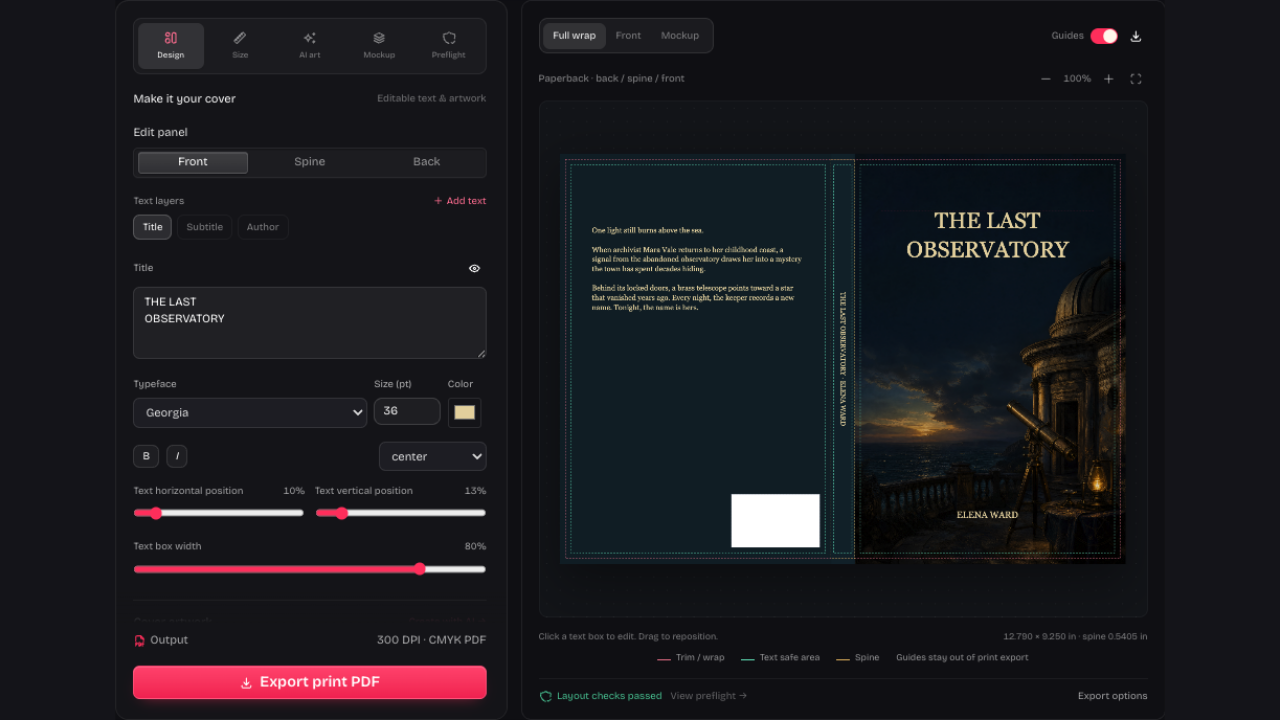
Keep Artwork and Typography Editable
KDP Cover Creator keeps your text on separate layers. Change a title, subtitle, author name or font without generating another image, and keep the artwork you already like.
Open KDP Cover CreatorUse KDP Cover Creator to design or fix a cover. Edit text, check print dimensions and export a full-wrap PDF with an editable project backup.
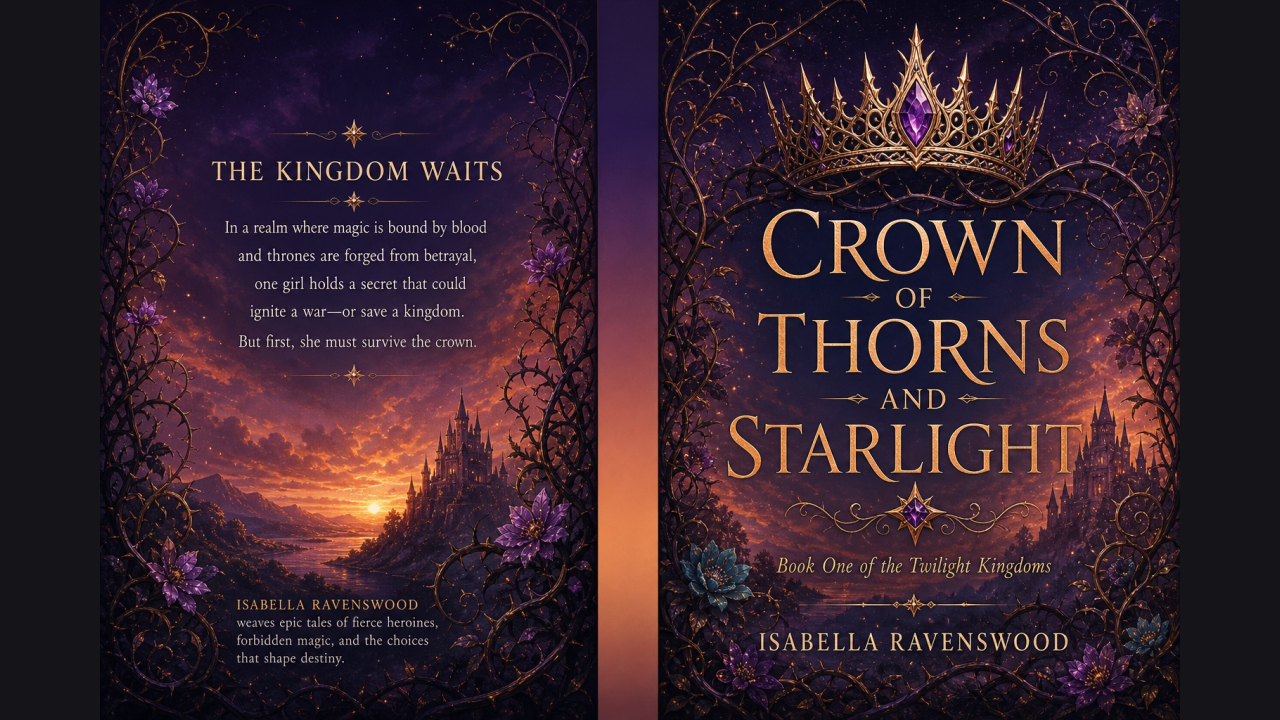
An actual project exported from our studio. The title, author and back-cover copy were added as editable text, then combined in the finished print PDF.
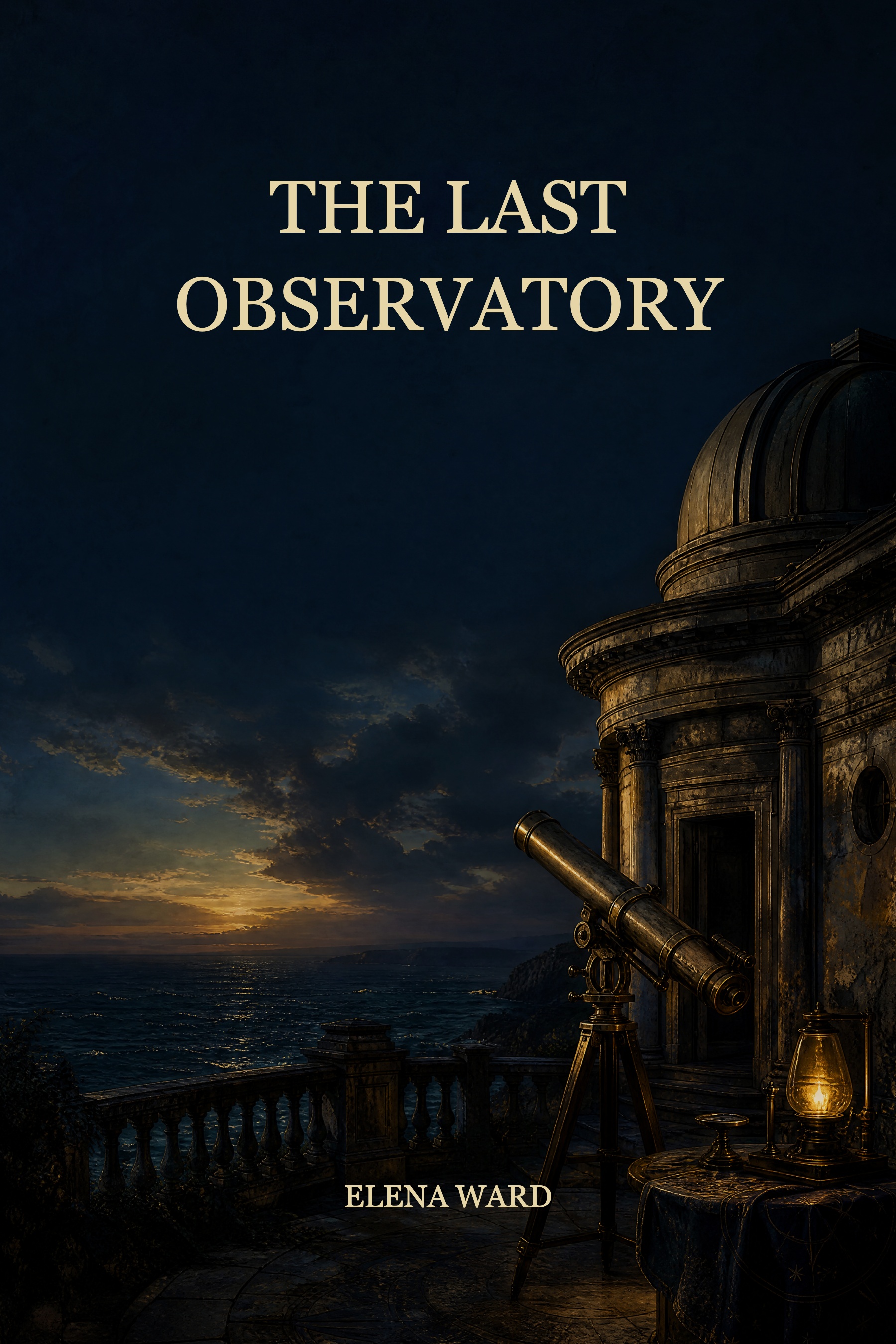
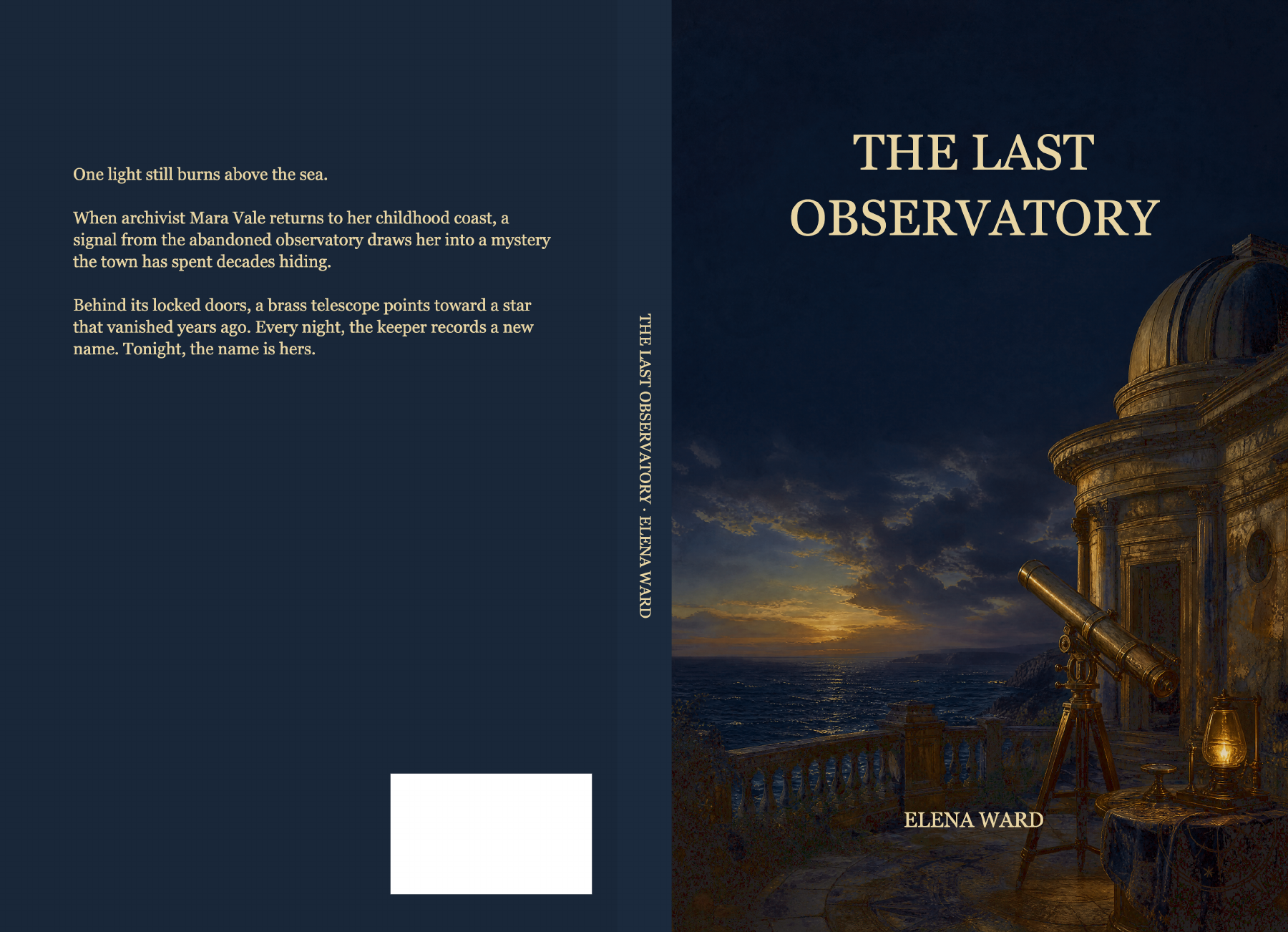
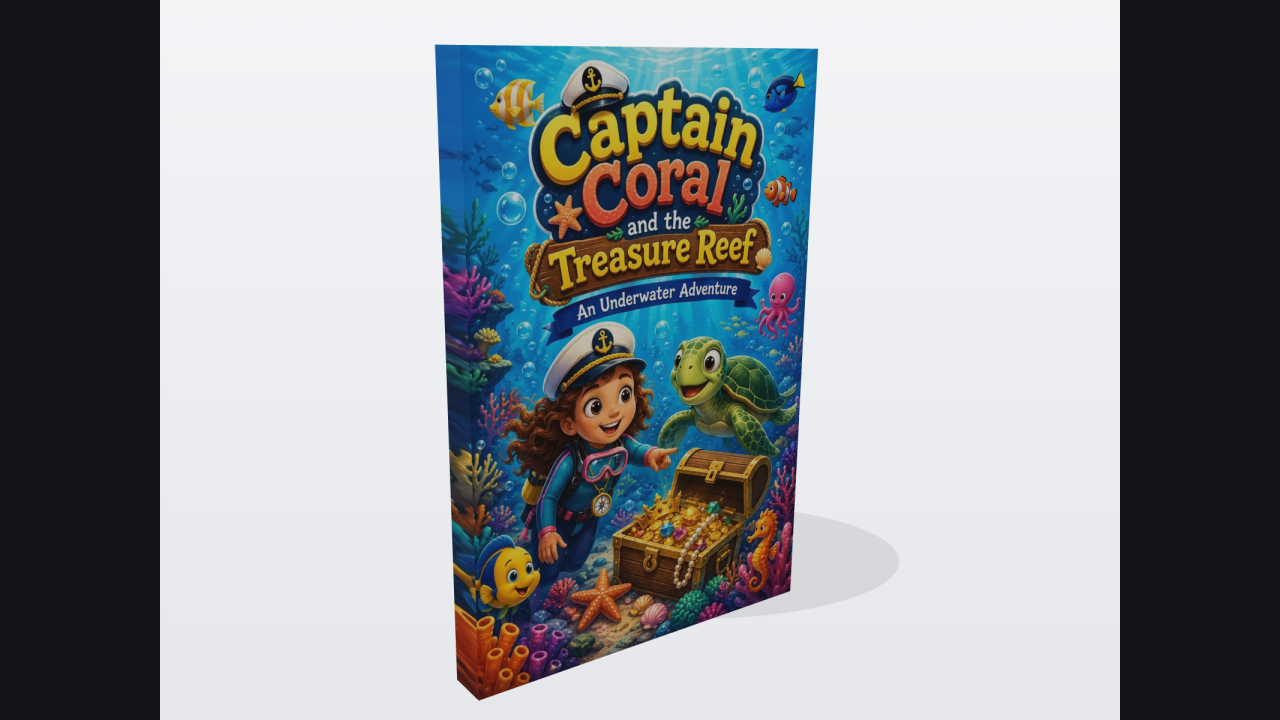
KDP Cover Creator exports from one saved project: keep the flat full wrap for printing and a separate mockup for promotion.
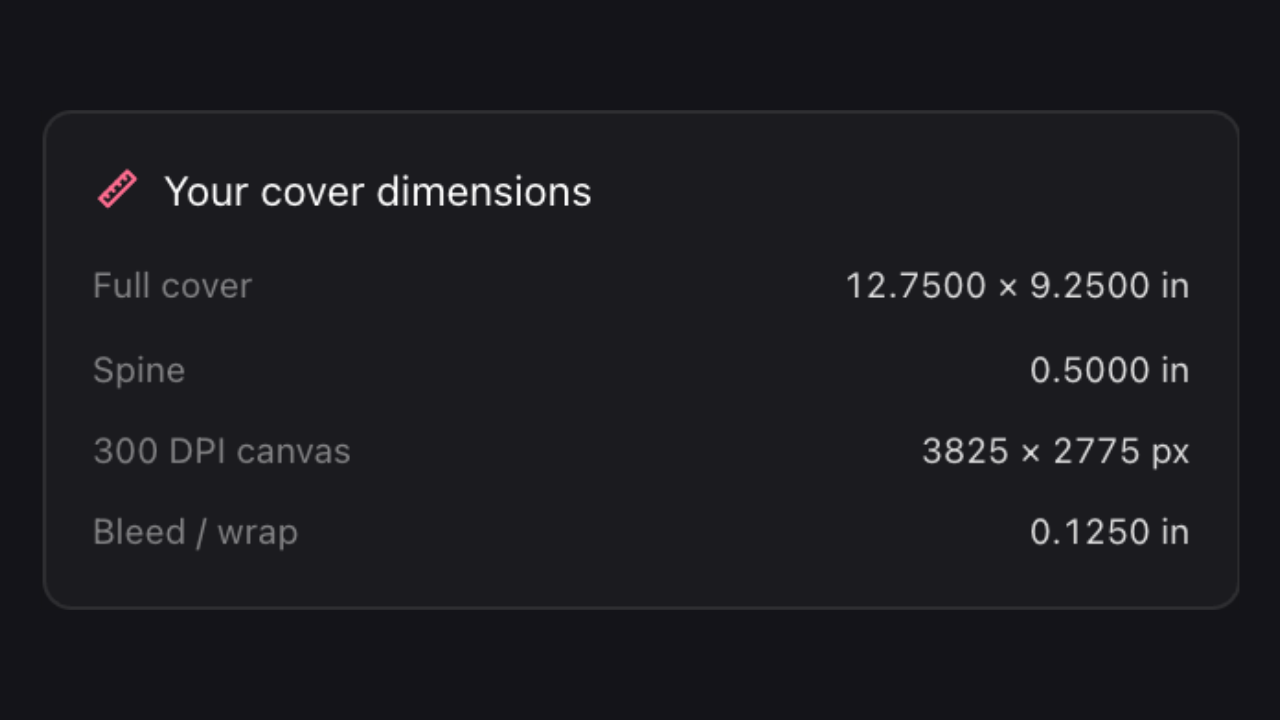
Set binding, trim, paper and final page count in KDP Cover Creator. Then import your cover or start from scratch.
Position artwork and edit separate title, author, spine and back-cover text. Review the full wrap as you make changes.
Review Preflight, export the finished cover and download an editable project backup. Compare the print file with KDP’s official template before submission.
KDP Cover Creator keeps your text on separate layers. Change a title, subtitle, author name or font without generating another image, and keep the artwork you already like.
Open KDP Cover Creator
Use KDP Cover Creator to fit artwork, spine lettering and back-cover text to your book settings. Check text boundaries and barcode space, then export the wrap without guides.
Open KDP Cover CreatorBring an image or single-page PDF into KDP Cover Creator and adjust its placement instead of starting over.
Preflight highlights image resolution, text boundaries and barcode collisions so you can review the next correction before export.

Generate optional artwork with credits, or continue editing your own images locally without paying for another generation.
Download your KDP Cover Creator project with its images, text and settings. Reopen it when your manuscript changes.
Upload a JPG, PNG, WebP or single-page PDF. Enter your final book settings in Size, adjust placement in Design and review Preflight. Compare the exported file with KDP’s official template; resizing won’t fix every upload issue.
PDF lettering becomes part of the imported image. To replace it, use artwork without the old words and add separate text layers. A full-wrap import hides existing text layers to avoid duplicates.
Yes. Design the front, spine and back together with separate title, author and blurb layers. Working on a romance cover? Check that spine lettering stays within its boundaries after setting your final page count.
Export the finished full-wrap print PDF, which excludes design guides. The guide PDF is for layout planning, and mockup PNGs are for promotion. Print output is flattened CMYK at 300 DPI, without calibrated ICC proofing or PDF/X certification.
Local editing, dimension calculations, templates, exports and mockups require neither sign-in nor credits. AI artwork generation requires a verified account and credits. KDP Cover Creator shows the generation cost before you submit; creating a new image is optional.
Your draft saves in this browser. For a backup you can move between devices, choose the editable project download in Export. It includes your images, text and settings, ready to reopen for another edition.

Start with your existing cover or a new design. Keep the print file and an editable project for future revisions.
Open KDP Cover Creator