Bring Your Finished Cover
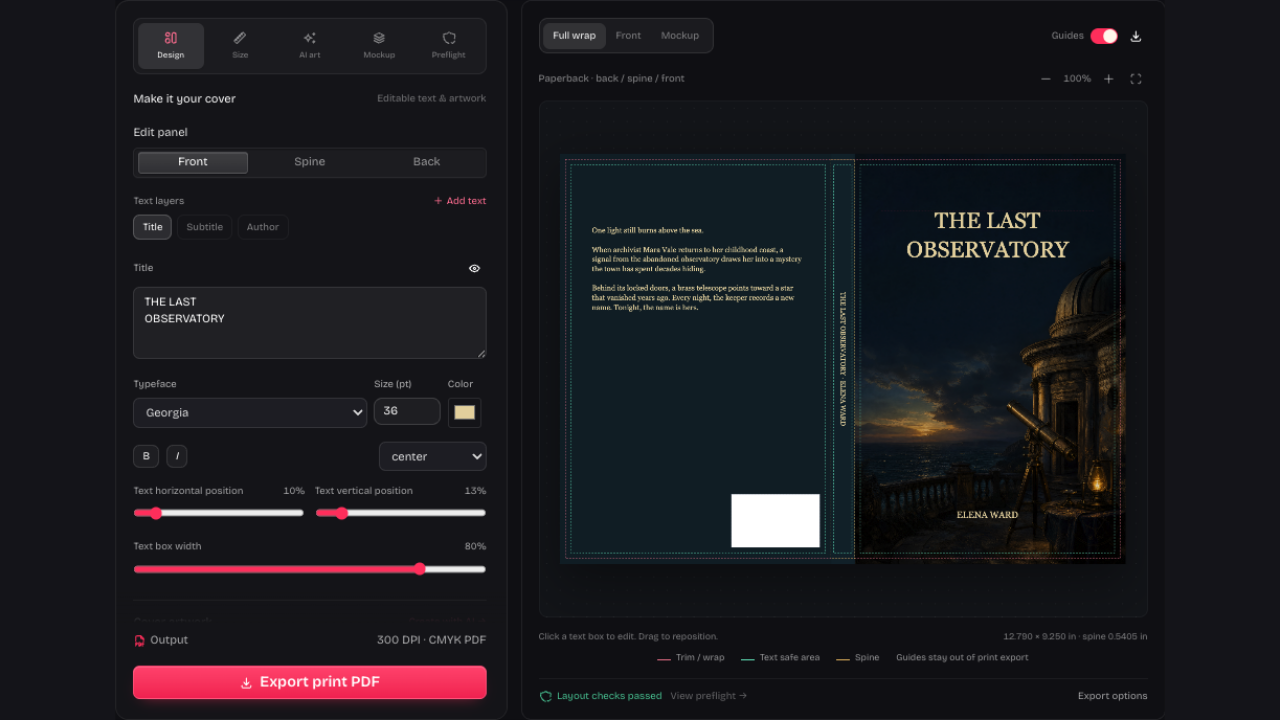
Start your book cover mockup with a finished front cover or your current project. Uploading in Mockup hides editable front text, so a finished title won’t appear twice.
Make a book cover mockupCreate a book cover mockup from your finished cover. Choose a 3D book or ebook mockup, adjust the background and download a PNG for promotion.
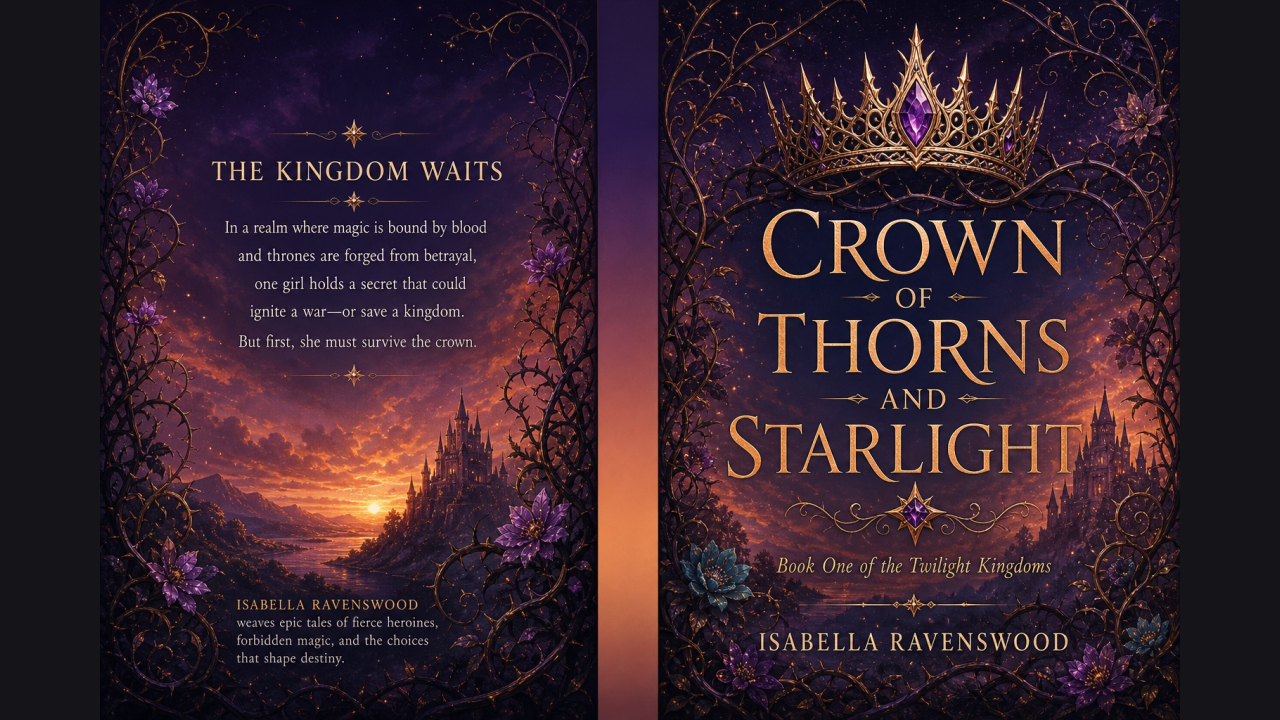
The same cover exported from our studio, then rendered as a standing book. Upload your finished front cover above to try it with your own title and artwork.


Use your book cover mockup for promotion. Keep the flat full-wrap PDF for printing and the editable project for later revisions.
Upload a front-cover image or single-page PDF in Mockup, or use your current project. The upload keeps existing lettering and hides editable front text to prevent duplicates.
Choose Standing, Stack or Ereader. Pick a background color or enable transparency, then preview how your current cover looks in the scene.
Download an 1800 × 1500 PNG directly from this page. Mockups use no credits and need no sign-in. Keep your flat cover separately for printing.
Start your book cover mockup with a finished front cover or your current project. Uploading in Mockup hides editable front text, so a finished title won’t appear twice.
Make a book cover mockup
Save your book cover mockup as an 1800 × 1500 PNG for a launch announcement or website. Keep the flat print PDF and editable project for a different job: publishing and revisions.
Make a book cover mockupChoose Standing or Stack to place the cover in a preset book scene, then review the presentation before sharing.
Use Ereader to show the digital edition on a reader screen, keeping the same front artwork and title visible.

Choose a solid color for the scene or enable transparency when placing the exported PNG on your own promotional design.
Your book cover mockup renders in your browser. Preview and download it without signing in or spending AI credits.
Start your book cover mockup with a JPG, PNG, WebP or single-page PDF, or use your current project. Choose Standing, Stack or Ereader, set the background and download the PNG.
Choose Ereader to present your front cover on a reader screen. An ebook mockup can help illustrate a digital edition in a launch announcement or promotional graphic. It does not change the underlying ebook file or produce a physical print cover.
Standing and Stack place your current cover in preset book presentations. They create a downloadable image, not an editable 3D model or layered PSD. Check the preview before using the result; the scenes do not represent every physical binding.
Yes. Enable transparency instead of choosing a solid background, then download the 1800 × 1500 PNG. Place it on your own promotional layout. Mockup rendering and downloads happen locally, with no account or AI credits required.
The Mockup upload keeps lettering already present in the image and hides editable front text layers to prevent duplicates. Review the result after import. Use Undo if you want to restore the previous artwork and text visibility.
A presentation PNG is not a flat print file. Keep the original cover project and export its full-wrap print PDF for a paperback or supported hardcover. Check that file against the publisher’s template and previewer before submission.

Upload a finished front cover, choose a book or e-reader scene and download the presentation PNG.
Make a book cover mockup