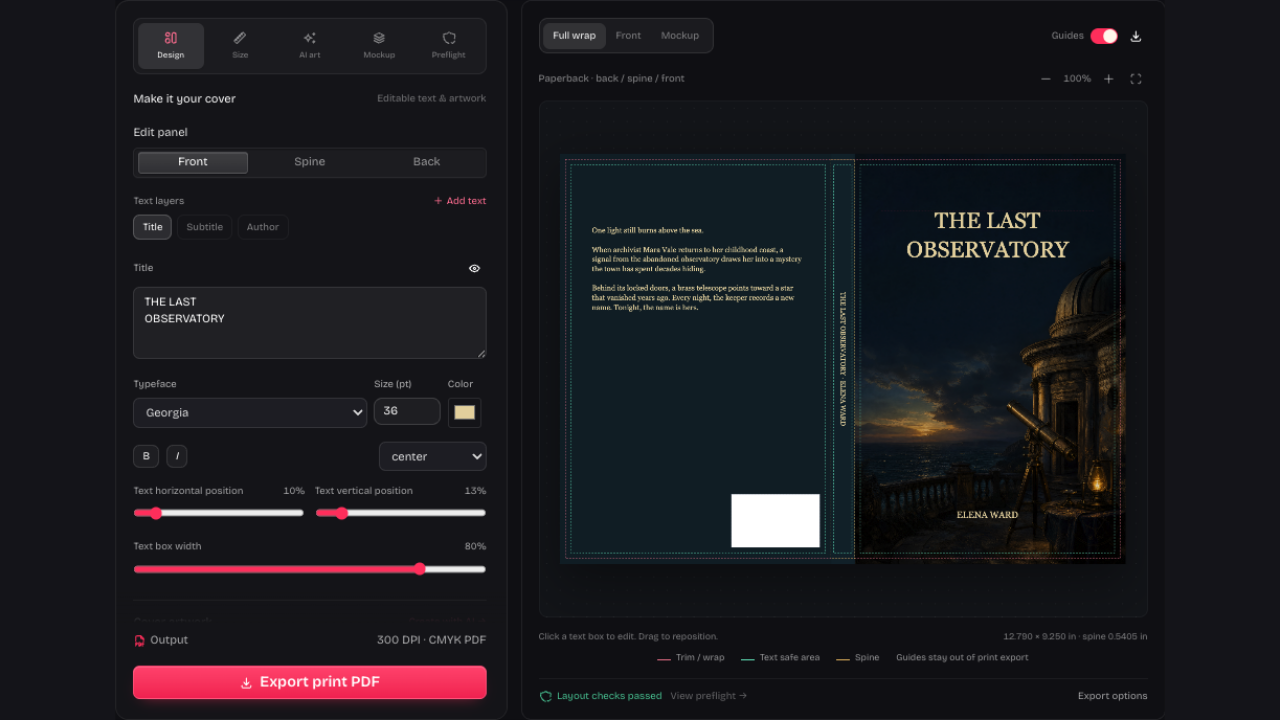
Add Typography After the Artwork
Use the AI book cover generator for artwork with room for lettering. Add your title and author in Design, where changing words or fonts won’t cost another generation.
Open AI Book Cover GeneratorUse our AI book cover generator to create artwork from a brief or reference image. Add editable titles, review each result and export your cover.
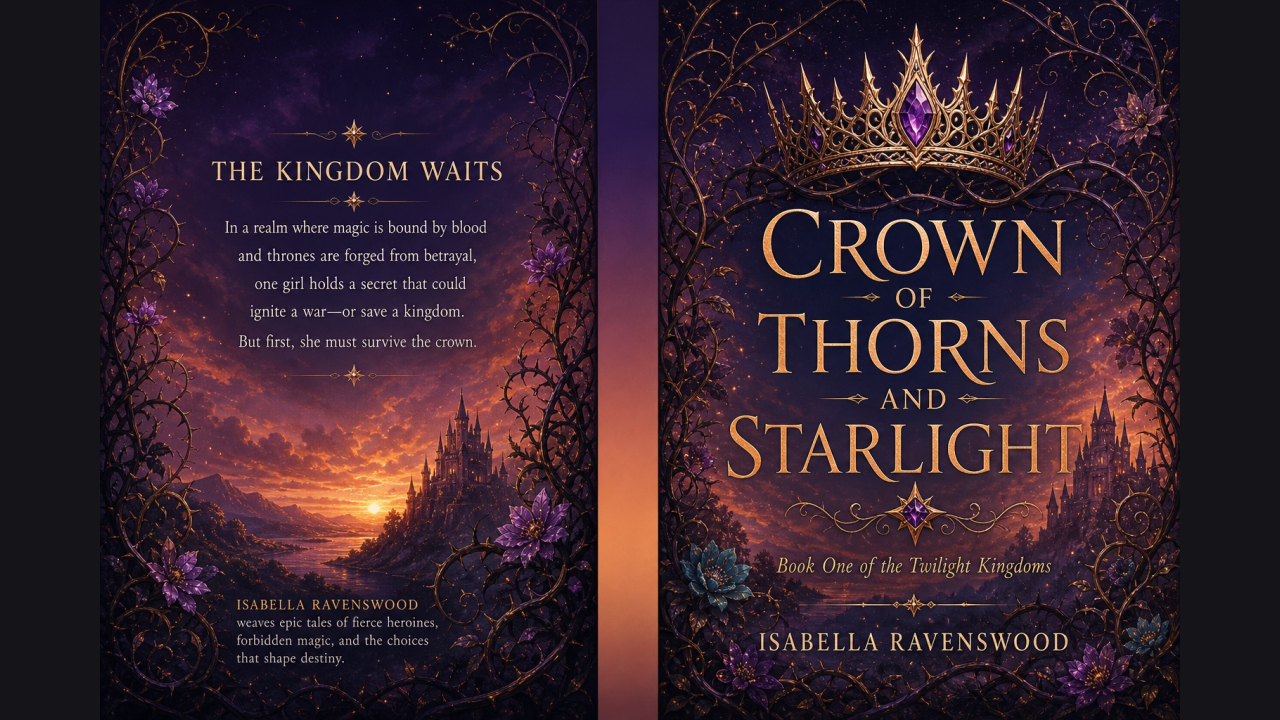
An actual project exported from our studio. The title, author and back-cover copy were added as editable text, then combined in the finished print PDF.
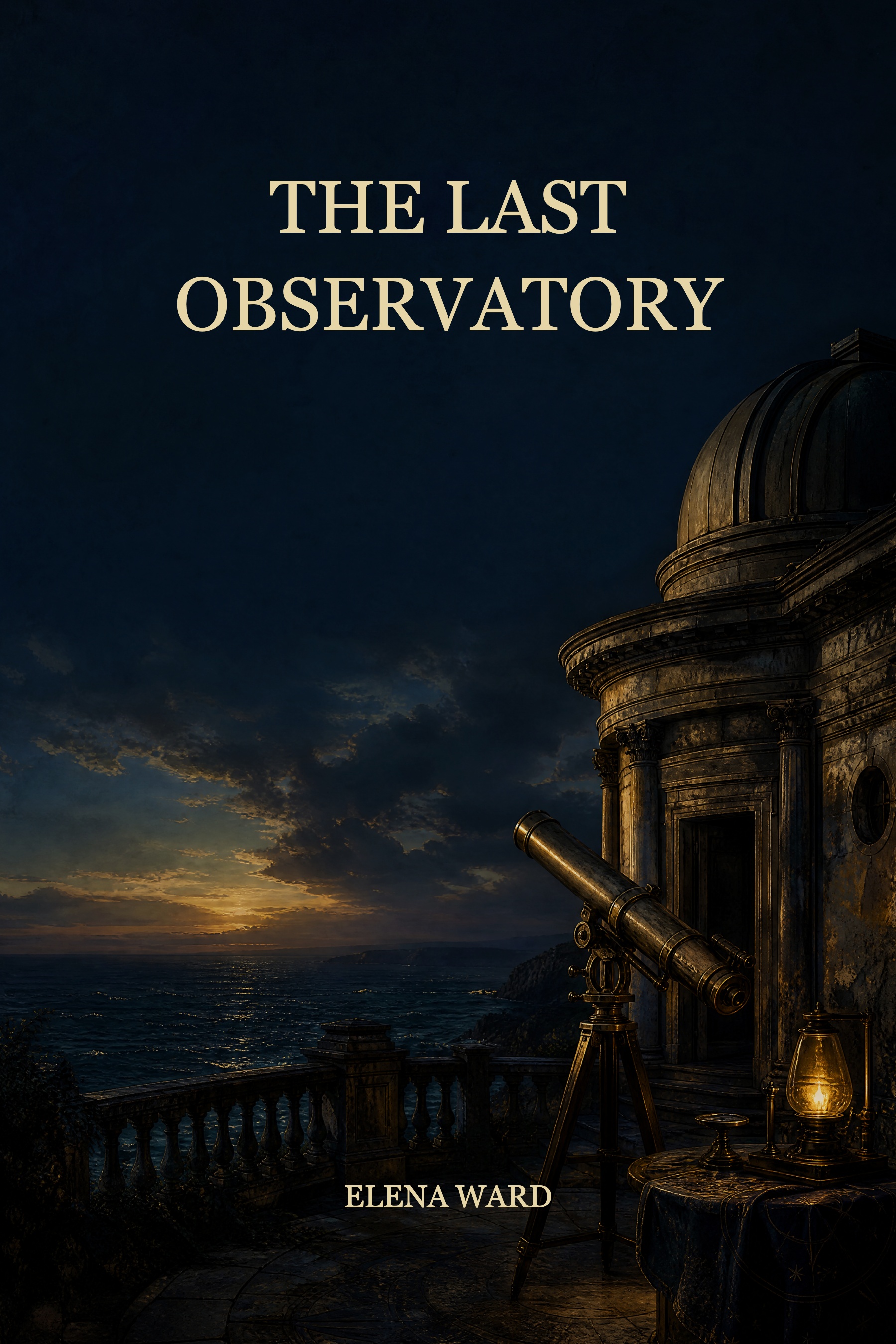
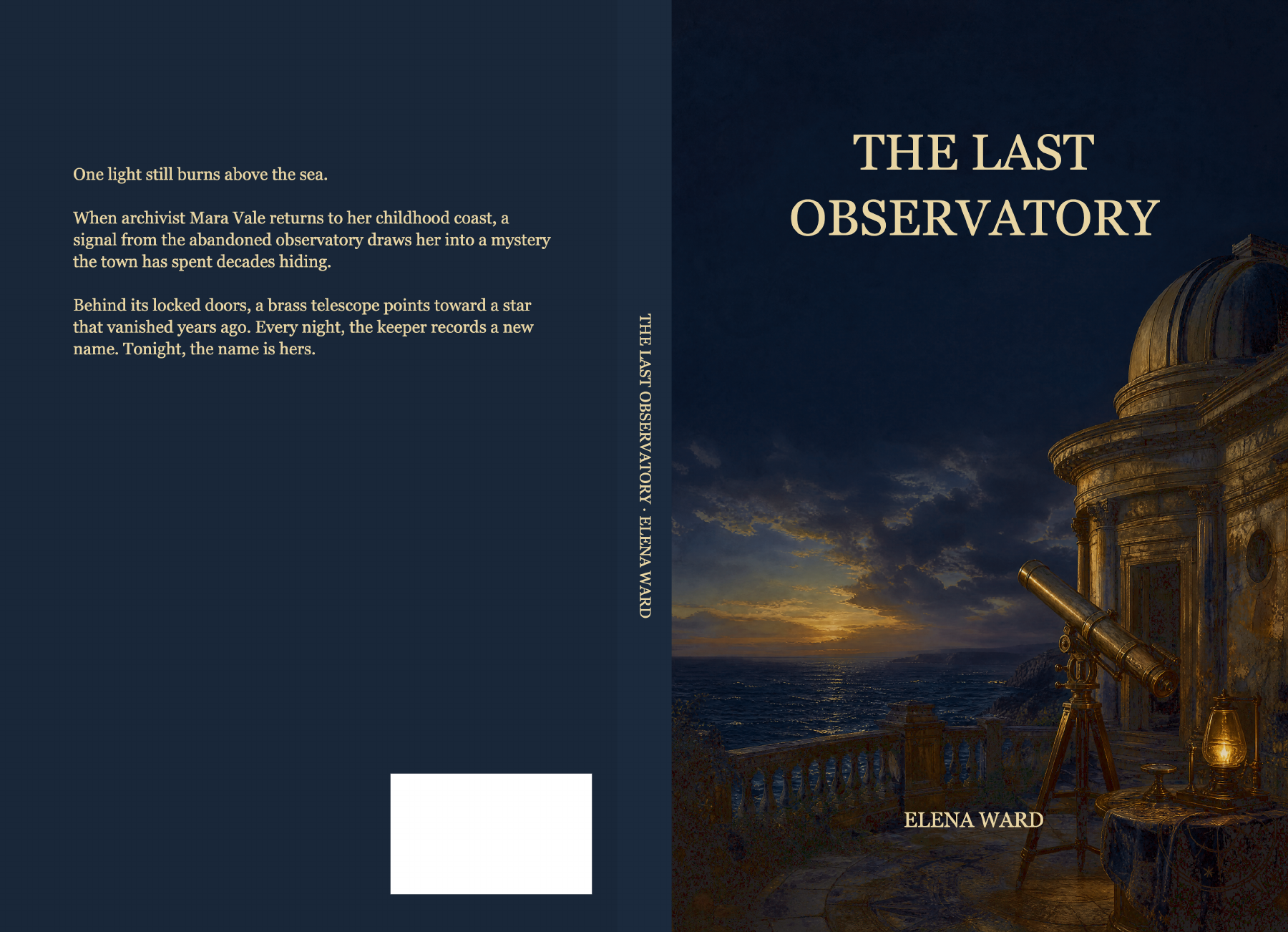
The AI book cover generator makes the artwork. Your saved project keeps the separate text layers, book settings and finished cover together.
Choose genre and style, then describe the subject, mood and title space. Use your front artwork as a reference when exploring a related direction.
Sign in, choose 2K or 4K and review the credit cost before generating. Your current design stays in place while the new candidate is prepared.
Choose Apply to front cover, then edit the title and author in Design. Check resolution in Preflight before exporting your cover and editable project backup.
Use the AI book cover generator for artwork with room for lettering. Add your title and author in Design, where changing words or fonts won’t cost another generation.
Open AI Book Cover Generator
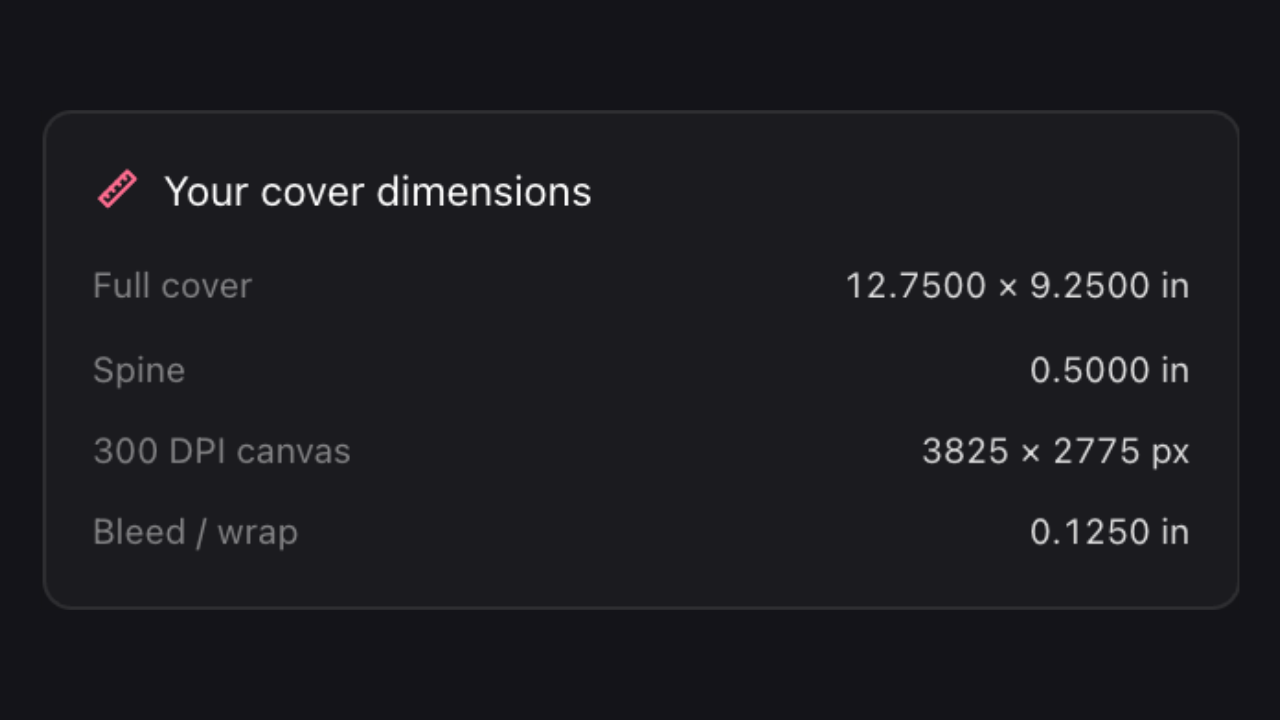
Apply the chosen artwork, set your book dimensions and design the spine and back cover in the same project. Check image resolution and text placement before exporting the complete wrap.
Open AI Book Cover GeneratorTell the AI book cover generator your subject, mood and visual style, and ask it to leave room for your title.
Guide the AI book cover generator with your front artwork. Review the new candidate before applying it to your project.

Select 2K or 4K and review its credit cost before generating; check effective resolution again at the final printed size.
Applying a candidate changes the artwork while your book settings and editable lettering remain available for the next design decision.
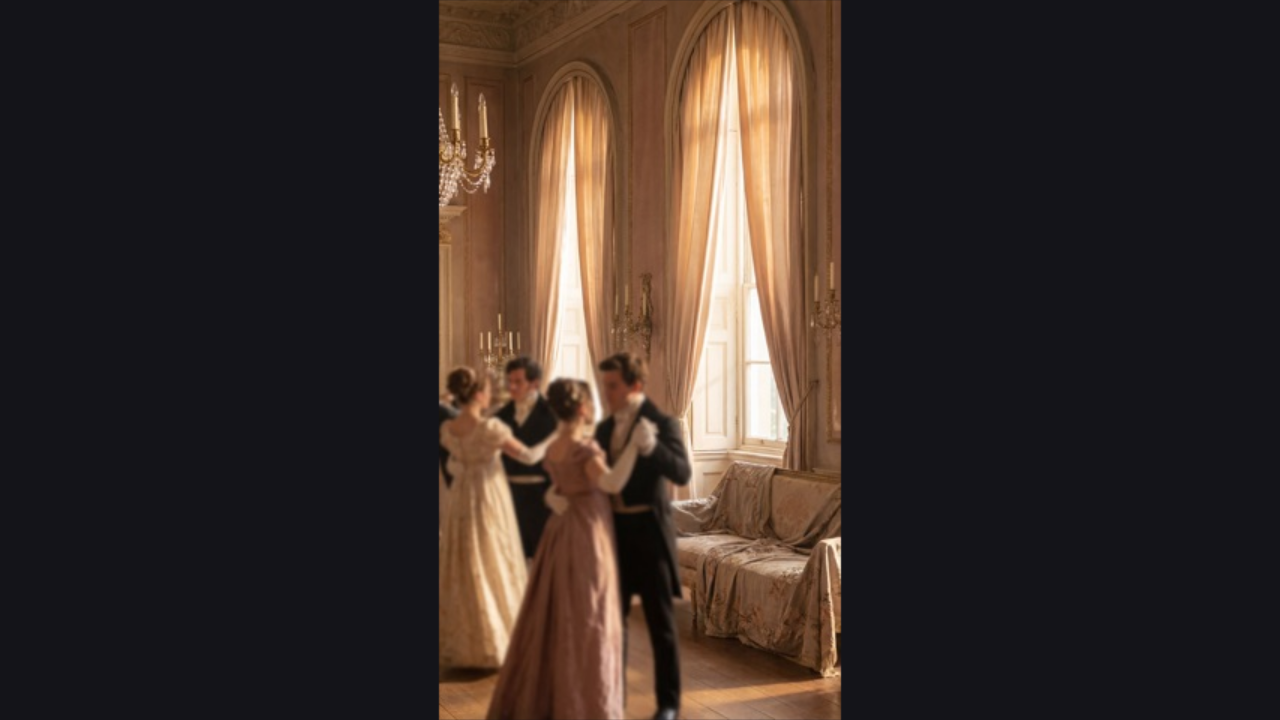
Portrait artwork from your brief, genre and style, with an optional reference image. The prompt asks for no lettering. Add your title and author in Design so later text changes won’t need another generation.
A 2K request costs 50 credits; a 4K request costs 80 credits. Both require a verified account. Review the displayed cost before generating. Local text editing, calculations, exports and mockups use no credits. Choose resolution for the intended artwork size, then check effective print resolution.
Upload it in Design, then enable Use front artwork as a reference in AI art. Tell the AI book cover generator what to keep and what to change. Review the candidate, then choose Apply to front cover when you’re ready.
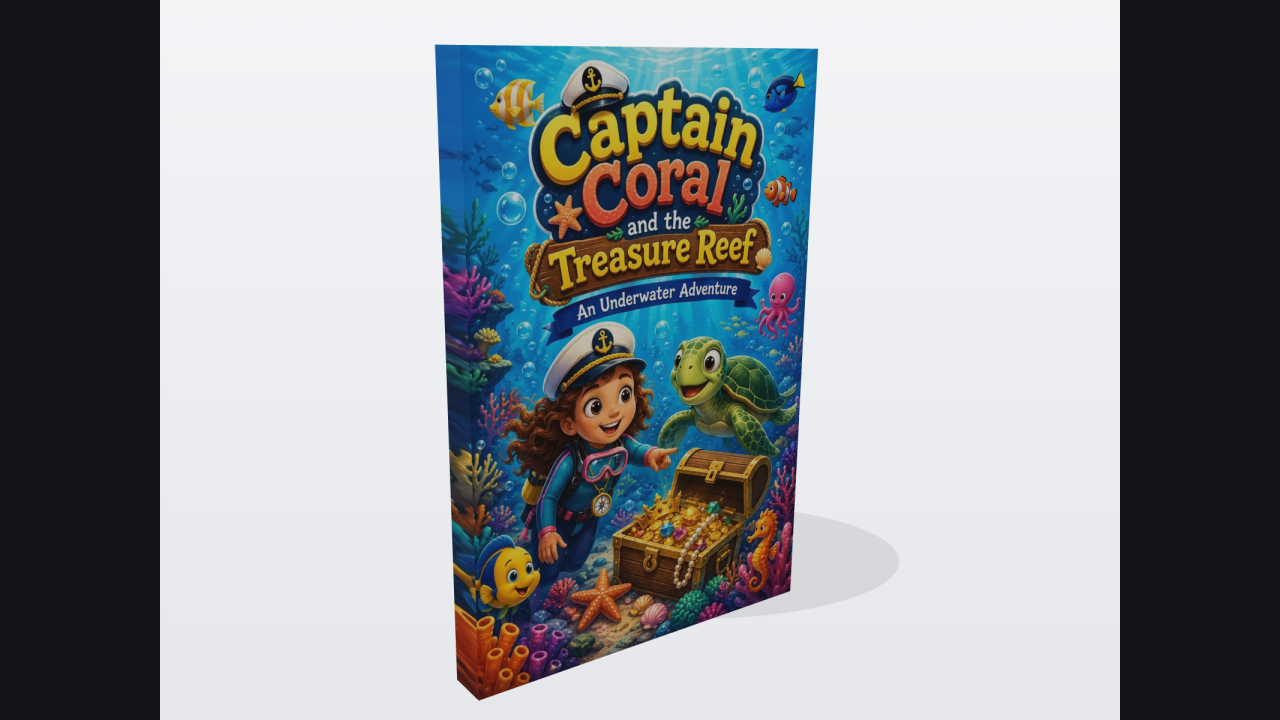
Yes. Describe an illustration for your audience and theme, with space for a readable title. Review it, then add your text in Design. This makes cover artwork, not coloring-book interiors.
Describe the setting, characters, mood and style. Ask for clear space for lettering. Once you like the composition, add your title, author and spine text as editable layers.
It’s artwork, so set your book dimensions, apply the image and add text first. Review Preflight before export. Even a 4K image can lose effective resolution when enlarged or cropped; always check the publisher’s preview.

Describe a scene, choose the resolution and review the cost. Apply the result only when it suits your cover.
Open AI Book Cover Generator