
IngramSpark Cover Template Generator

Use the IngramSpark Cover Template Generator with your official spine width. Build a paperback guide, compare dimensions and download a PDF.

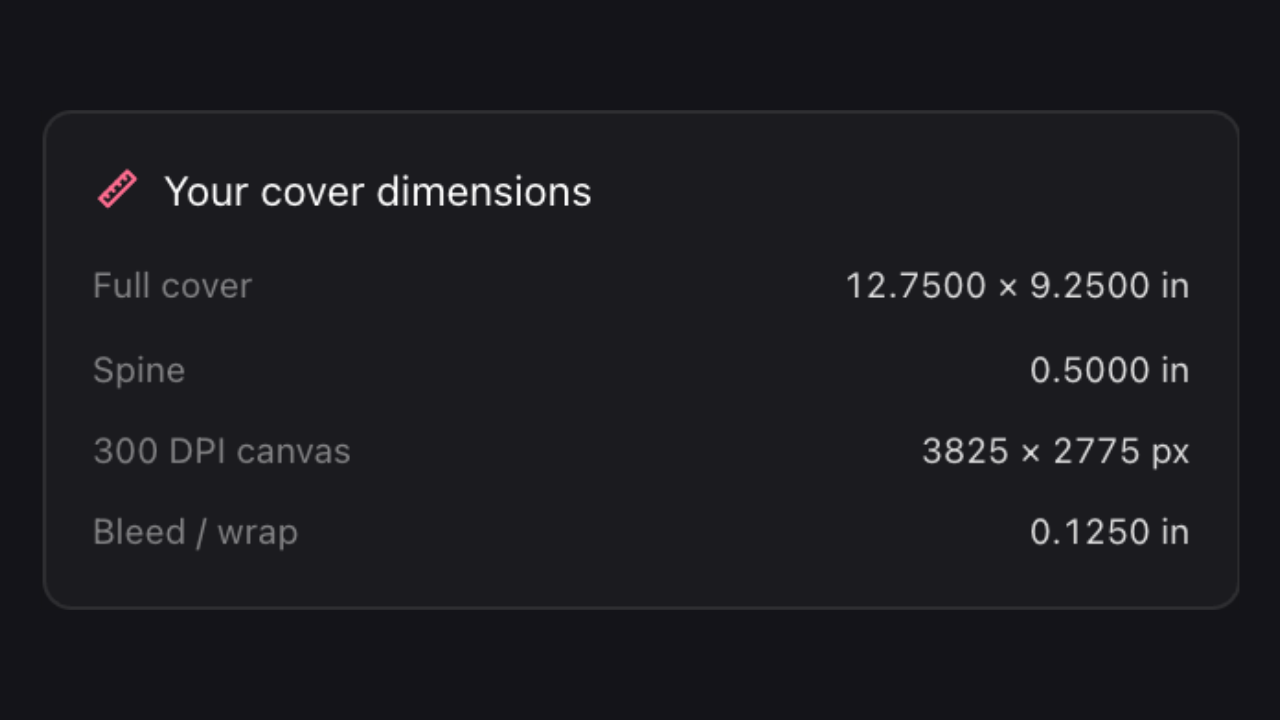
IngramSpark cover dimensions

Studio view

Plan the Front, Spine and Back Together

This full-wrap design illustrates the front, spine and back. For your own IngramSpark paperback, enter the spine from its official template before downloading your guide.

Reference · front cover
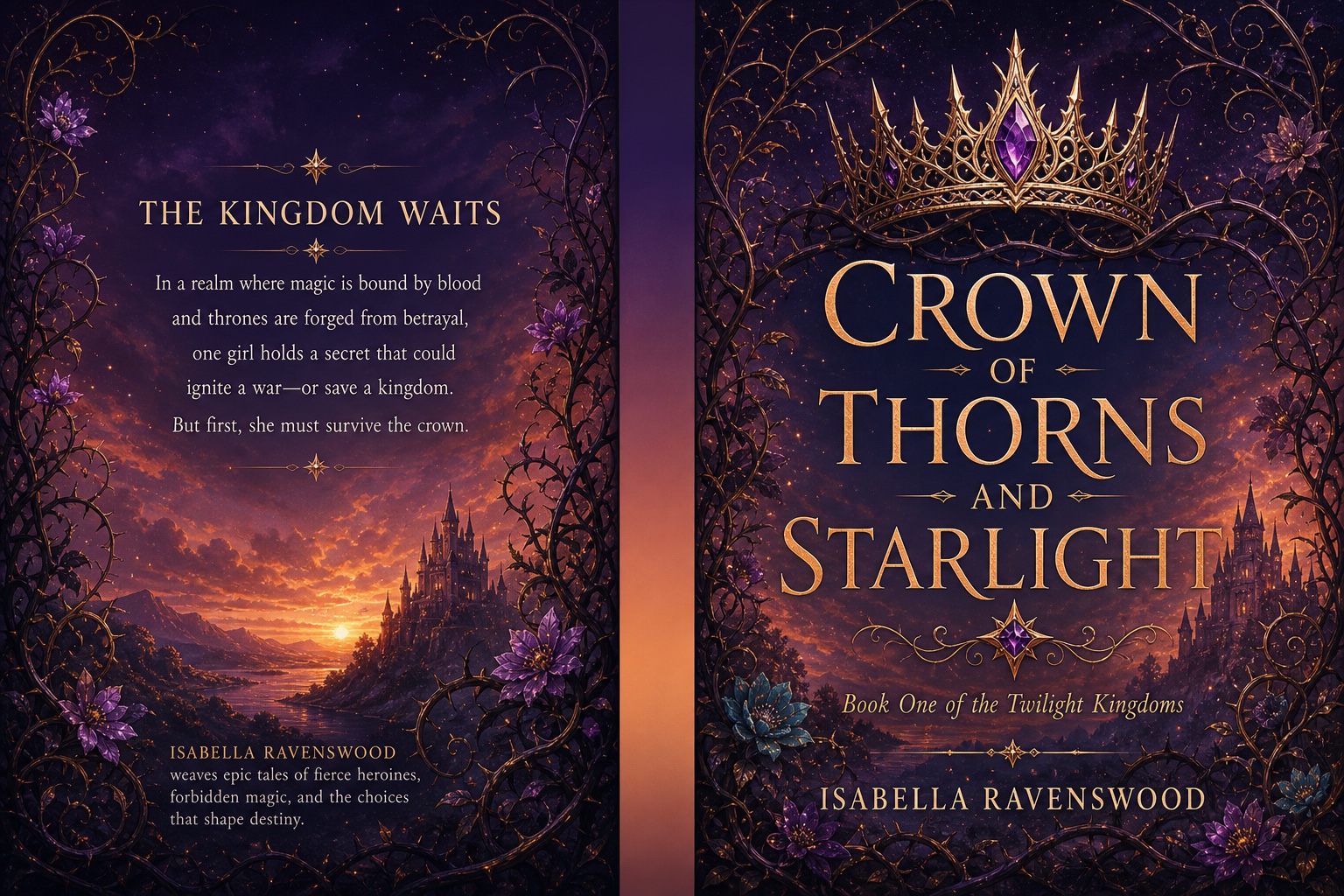
Crown of Thorns and Starlight fantasy front cover with a golden crown
Reference · full-wrap design
Crown of Thorns and Starlight full-wrap design with a front cover, spine and back-cover blurb

Use the IngramSpark Cover Template Generator to plan your layout, then check the dimensions against your official paperback template before submission.

How to Use the IngramSpark Cover Template Generator

Open IngramSpark Cover Template Generator

Get your official spine width

Get your official paperback template first. Enter its spine width in inches in the IngramSpark Cover Template Generator, alongside your trim size.

Match the book dimensions

Set your trim size and compare the full wrap with the official template. Keep important text within safe areas and reserve space for the printer’s barcode.

Download and verify

Download the guide PDF, then continue designing on the same canvas. Compare your finished file with the official template before submission. IngramSpark hardcover and certified PDF/X are not supported.

Plan Around the Official Paperback Spine

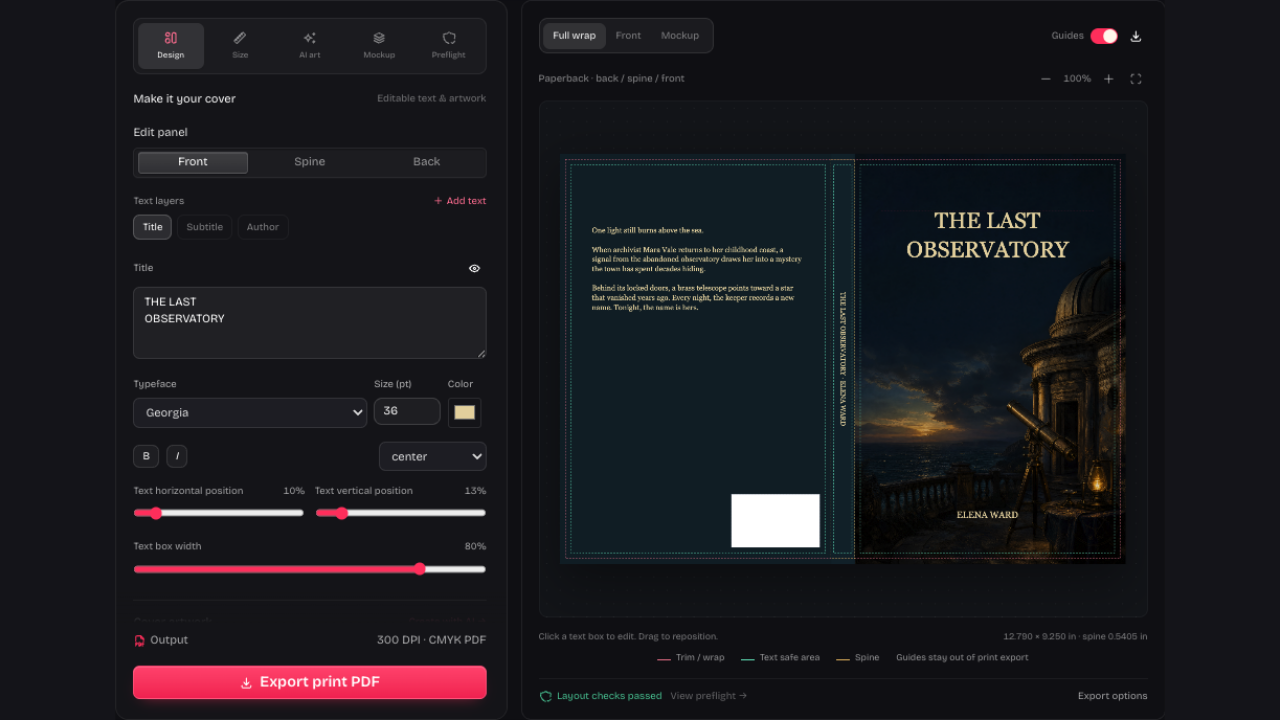
Our cover studio with separate typography controls and a full-wrap preview

Enter the Printer’s Spine Width

The IngramSpark Cover Template Generator uses the spine width you supply. Take it from your official paperback template, add your trim settings and compare the resulting wrap before designing.

Open IngramSpark Cover Template Generator

The Midnight Archive full-wrap cover showing a library scene, spine and back cover

Keep the Official Template Nearby

Keep your official PDF open while you plan the front, spine, back and barcode space. If the supplied spine width changes, check your lettering again.

Open IngramSpark Cover Template Generator
Review the Details That Differ from KDP

Use printer-specific measurements

Start the IngramSpark Cover Template Generator with your printer’s spine width, so the guide follows the stock you’re using.

Focus on paperback

Work within the supported paperback guide workflow; casebound and dust-jacket dimensions need the publisher’s own resources for those bindings.

Crime Scene Protocol thriller cover with a dark city scene

Keep lettering within boundaries

Check spine and back-cover text after entering the official width, especially when adapting artwork first prepared for another printer.

Prepare for requested revisions

Keep a downloadable project backup with your images and text so you can adjust the layout after reviewing the printer’s preview.

IngramSpark Cover Template Generator Questions

KDP Cover Creator brand mark

Try the IngramSpark Cover Template Generator

Have your official spine width ready. Enter it above, compare the guide and download the PDF for layout planning.

Open IngramSpark Cover Template Generator